Choose your logo or icon image
or drag and drop a file here
Or try a sample photo
morphed.app · Paid AI tools
Explore the artwork before making it tiny.
Try a simple visual concept in Morphed, then bring your own chosen image here to crop and export favicon sizes.Try a simple visual concept in Morphed, then bring your own chosen image here to crop and export favicon sizes. Check its readability at small sizes.
Paid AI tools. Separate account and upload in Morphed.
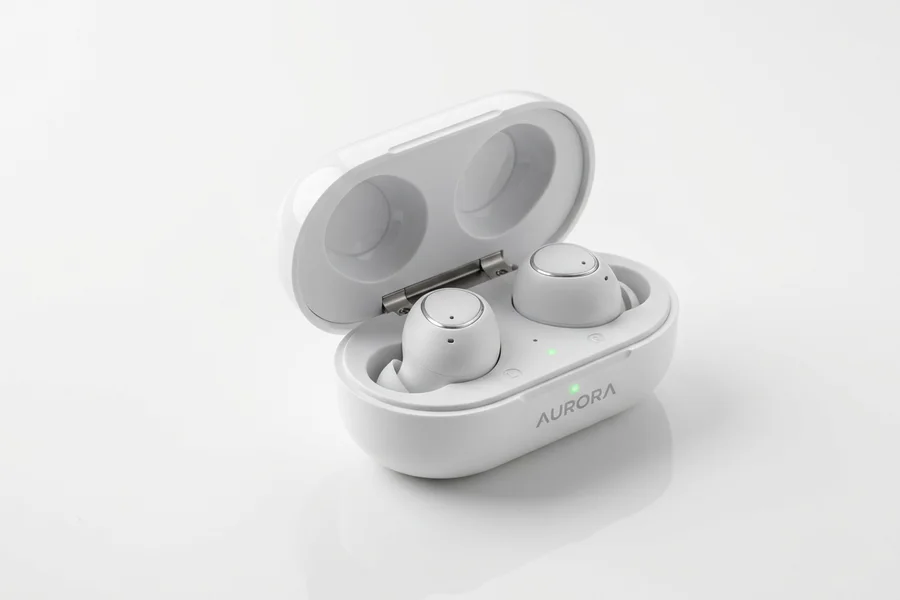
A clean studio concept
A minimal product shot with a soft white studio background.
AI-created concept image. Results vary.
See an example
A simple shape for a small icon
Keep the subject bold and readable when an icon is displayed at a tiny size.
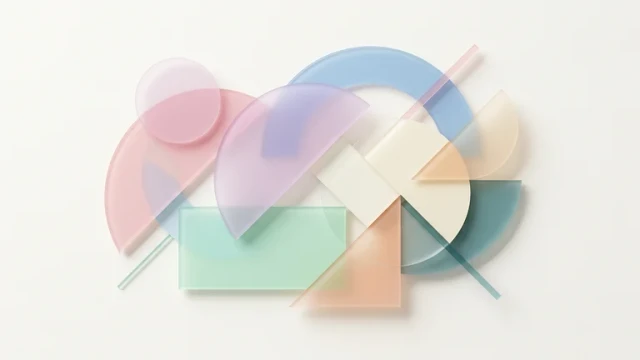
Original sample
640 x 360 px

1 : 1 crop
Shape preview, displayed at a reduced size
Make a favicon in four steps
- Choose an image. Select your logo or icon as PNG, SVG, JPG or WebP, or try the sample logo.
- Make it square. Fit the whole image or crop it to a square, add padding if you want space around it, and choose a transparent or solid background.
- Check the preview. See the icon at its real 16, 32 and 48 px sizes and in a light and a dark browser tab.
- Download. Download all files as a ZIP, or favicon.ico on its own, and copy the HTML tags into your page’s head.
What you get
- favicon.ico
- 16, 32 and 48 px images in one file, stored as PNG inside the ICO container. Works in current browsers and Windows Vista or later.
- apple-touch-icon.png
- 180 × 180 px on a solid background, for iPhone and iPad home screens.
- icon-192.png, icon-512.png
- App icons referenced by site.webmanifest, for installable sites.
- site.webmanifest
- JSON listing the app icons, with your site name and background color if you set them.
- favicon-tags.html
- The link tags to paste into your page’s head (in the ZIP).
Tips for a sharp favicon
- Start from a square image of at least 512 × 512 px, or an SVG.
- Use a transparent PNG so the icon sits cleanly on light and dark browser tabs. Check both tab previews.
- Small sizes are made by halving the image step by step, which keeps edges cleaner than one large reduction.
- After uploading the files, browsers may keep showing an old cached favicon for a while. A hard refresh usually updates it.
Need just one icon file from an existing image? Use the PNG to ICO or JPG to ICO converter. To prepare the source image first, crop it to a square.
Related tools
Frequently asked questions
Which sizes are inside favicon.ico?
Three images: 16 × 16, 32 × 32 and 48 × 48 pixels, each stored as a 32-bit PNG with transparency. Browsers pick the size that fits the place they show the icon. After generating, the page reads the ICO back, checks the directory lists three entries with the right sizes, and decodes each image in your browser.
Do I need the PNG app icons and the manifest?
Only favicon.ico is needed for a browser-tab icon. The 180 px apple-touch-icon.png is used when someone adds your site to an iPhone or iPad home screen, and the 192 and 512 px icons listed in site.webmanifest are used when a site is installed as an app on Android or desktop. You can switch them off.
How is this different from the PNG to ICO converter?
The PNG to ICO and JPG to ICO converters turn one image into an icon file in a single step. The favicon generator adds a square preview with crop, fit, padding and background controls, the app icons, the manifest and the HTML tags.
Why does my icon look blurry at 16 px?
A 16 px icon has only 256 pixels, so fine detail and thin text disappear. Use a simple mark such as a letter or symbol, crop tightly, and use little or no padding.
Are my images uploaded?
No. All icons are drawn and packed by your browser. Nothing is sent to ImageWand servers.