Help
Supported formats and upload troubleshooting
One reference for every tool: which files open, which files you can save, and what to do when an image will not upload. Every result below comes from uploading the sample files on this page to the real tools in Chrome 158.0.8127.36 and WebKit (Safari engine) 27.2 on 2026-11-24.
Checked · results regenerate with tests/content/format-matrix.mjs
morphed.app · Paid AI tools
Your next image can start with an idea.
Exploring Supported formats and upload troubleshooting?Exploring Supported formats and upload troubleshooting? Describe a new scene or style for a photo in Morphed, then use ImageWand to prepare the exported file.
Paid AI tools. Separate account and upload in Morphed.

A portrait with a painterly feel
Soft watercolor, delicate flowers, a pale backdrop.
AI-created concept image. Results vary.
See an example
One photo, two file formats
A PNG-to-JPG example. The converter shows which outputs your browser supports.

PNG input
Photo with no transparent pixels

JPG copy
640 x 360 px - 43.2 KB
Files each tool opens
ImageWand has four groups of tools, and they read files differently. The converter and compressor carry their own HEIC and TIFF decoders; the others use only your browser’s decoder. Safari’s engine decodes HEIC and TIFF itself, which is why the results differ by browser.
Convert and compress
Browser decoder first, then ImageWand’s bundled HEIC (libheif) and TIFF (UTIF) decoders on your device.
Resize, crop and photo sizes
Your browser’s own decoder only.
Resize · Crop · Photo sizes
Filters, color and watermark
Your browser’s own decoder only. Images over 16.7 megapixels are scaled down to fit.
Flip, meme, PDF and batch
Your browser’s own decoder only.
Flip and rotate · Meme · Image to PDF · Batch
| Sample file | Convert and compress | Resize, crop and photo sizes | Filters, color and watermark | Flip, meme, PDF and batch | ||||
|---|---|---|---|---|---|---|---|---|
| Chrome | WebKit | Chrome | WebKit | Chrome | WebKit | Chrome | WebKit | |
| JPGBaseline JPEG, 1200 × 800 | Chrome: Opens | WebKit (Safari engine): Opens | Chrome: Opens | WebKit (Safari engine): Opens | Chrome: Opens | WebKit (Safari engine): Opens | Chrome: Opens | WebKit (Safari engine): Opens |
| JPG with EXIF rotationStored sideways with orientation 6; correct display is 900 × 600, text upright | Chrome: Opens | WebKit (Safari engine): Opens | Chrome: Opens | WebKit (Safari engine): Opens | Chrome: Opens | WebKit (Safari engine): Opens | Chrome: Opens | WebKit (Safari engine): Opens |
| JPG with Display P3 profileEmbedded ICC colour profile | Chrome: Opens | WebKit (Safari engine): Opens | Chrome: Opens | WebKit (Safari engine): Opens | Chrome: Opens | WebKit (Safari engine): Opens | Chrome: Opens | WebKit (Safari engine): Opens |
| PNG with transparencySoft shadow and a 45% opacity tag | Chrome: Opens | WebKit (Safari engine): Opens | Chrome: Opens | WebKit (Safari engine): Opens | Chrome: Opens | WebKit (Safari engine): Opens | Chrome: Opens | WebKit (Safari engine): Opens |
| WebP with transparencyLossy WebP with an alpha channel | Chrome: Opens | WebKit (Safari engine): Opens | Chrome: Opens | WebKit (Safari engine): Opens | Chrome: Opens | WebKit (Safari engine): Opens | Chrome: Opens | WebKit (Safari engine): Opens |
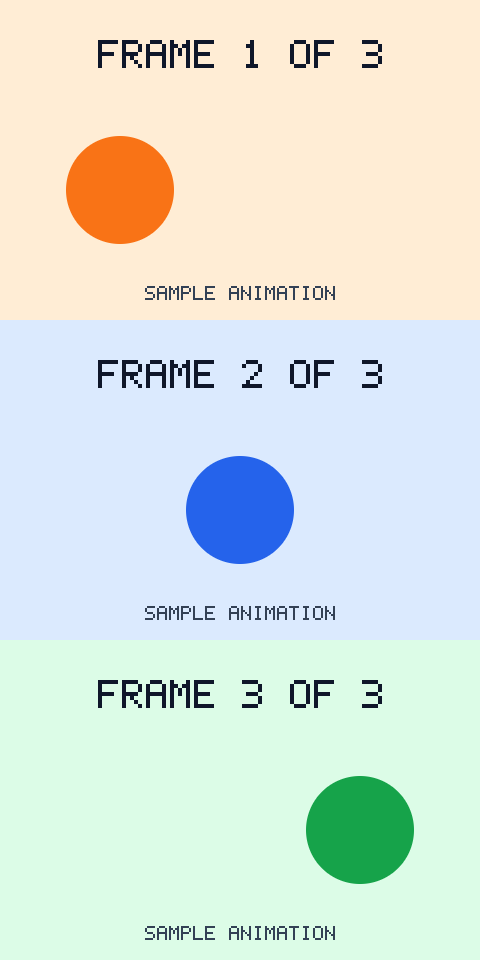
| Animated GIFThree labelled frames | Chrome: First frame only | WebKit (Safari engine): First frame only | Chrome: First frame only | WebKit (Safari engine): First frame only | Chrome: First frame only | WebKit (Safari engine): First frame only | Chrome: First frame only | WebKit (Safari engine): First frame only |
| Animated WebPThree labelled frames | Chrome: First frame only | WebKit (Safari engine): First frame only | Chrome: First frame only | WebKit (Safari engine): First frame only | Chrome: First frame only | WebKit (Safari engine): First frame only | Chrome: First frame only | WebKit (Safari engine): First frame only |
| AVIF1200 × 800, 8-bit | Chrome: Opens | WebKit (Safari engine): Opens | Chrome: Opens | WebKit (Safari engine): Opens | Chrome: Opens | WebKit (Safari engine): Opens | Chrome: Opens | WebKit (Safari engine): Opens |
| BMP24-bit Windows bitmap | Chrome: Opens | WebKit (Safari engine): Opens | Chrome: Opens | WebKit (Safari engine): Opens | Chrome: Opens | WebKit (Safari engine): Opens | Chrome: Opens | WebKit (Safari engine): Opens |
| TIFF8-bit RGB, Deflate compression | Chrome: Opens | WebKit (Safari engine): Opens | Chrome: Does not open | WebKit (Safari engine): Opens | Chrome: Does not open | WebKit (Safari engine): Opens, hidden in file picker | Chrome: Does not open | WebKit (Safari engine): Opens, hidden in file picker |
| HEICWritten by macOS, 1200 × 800 | Chrome: Opens | WebKit (Safari engine): Opens | Chrome: Does not open | WebKit (Safari engine): Opens | Chrome: Does not open | WebKit (Safari engine): Opens, hidden in file picker | Chrome: Does not open | WebKit (Safari engine): Opens |
| ICOOne 64 px PNG-compressed icon | Chrome: Opens | WebKit (Safari engine): Opens | Chrome: Opens | WebKit (Safari engine): Opens | Chrome: Opens, hidden in file picker | WebKit (Safari engine): Opens, hidden in file picker | Chrome: Opens, hidden in file picker | WebKit (Safari engine): Opens, hidden in file picker |
| SVG480 × 360 vector, no scripts or external files | Chrome: Opens | WebKit (Safari engine): Opens | Chrome: Opens | WebKit (Safari engine): Opens | Chrome: Opens, hidden in file picker | WebKit (Safari engine): Opens, hidden in file picker | Chrome: Opens | WebKit (Safari engine): Opens |
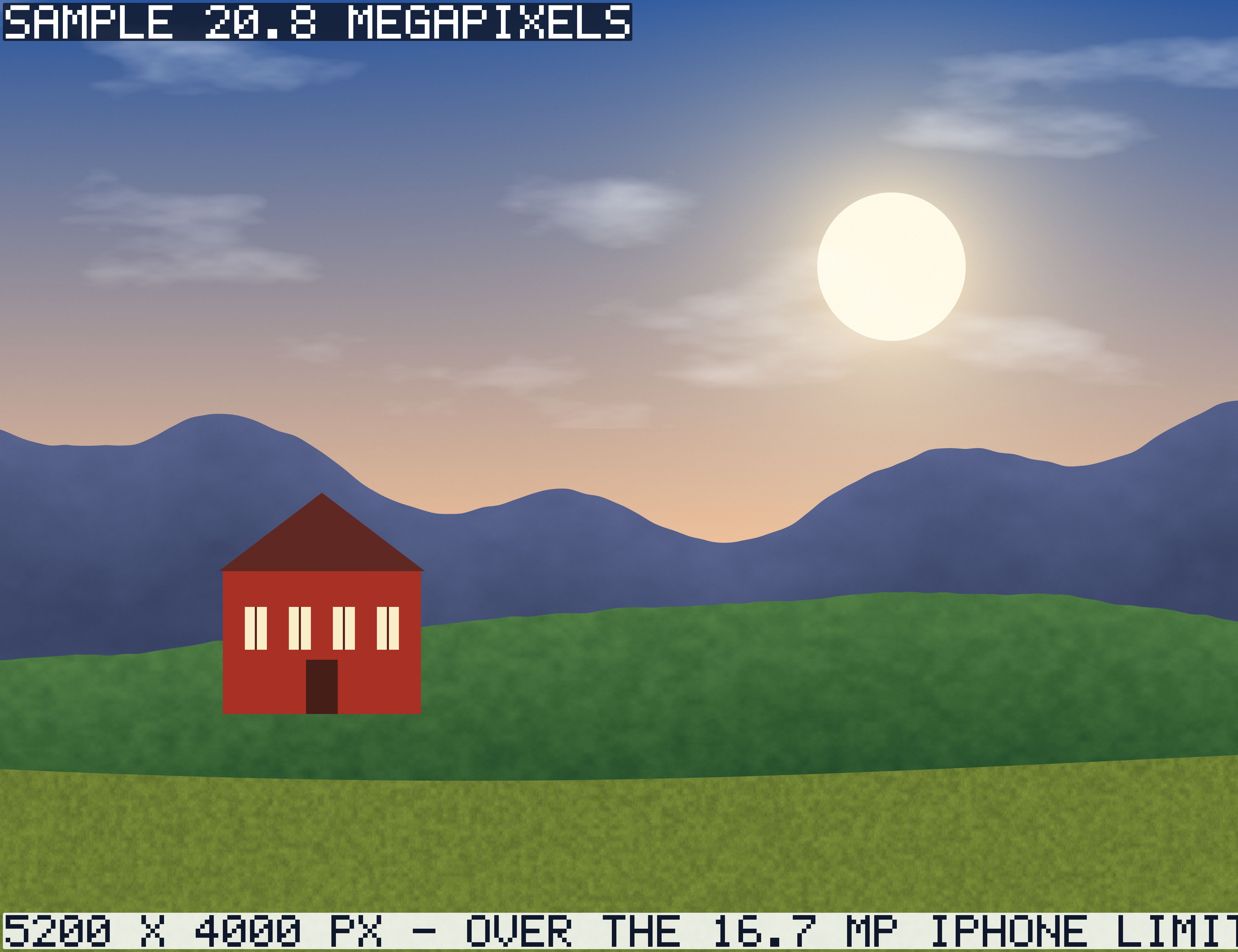
| Large JPG, 20.8 MP5200 × 4000 px, over the 16.7 MP iPhone and iPad limit | Chrome: Opens | WebKit (Safari engine): Opens | Chrome: Opens | WebKit (Safari engine): Opens | Chrome: Opens | WebKit (Safari engine): Opens | Chrome: Opens | WebKit (Safari engine): Opens |
| Damaged JPGThe sample photo cut off at 40% of its bytes | Chrome: Opens, missing part transparent | WebKit (Safari engine): Opens, missing part grey | Chrome: Opens without warning | WebKit (Safari engine): Opens without warning | Chrome: Opens without warning | WebKit (Safari engine): Opens without warning | Chrome: Opens without warning | WebKit (Safari engine): Opens without warning |
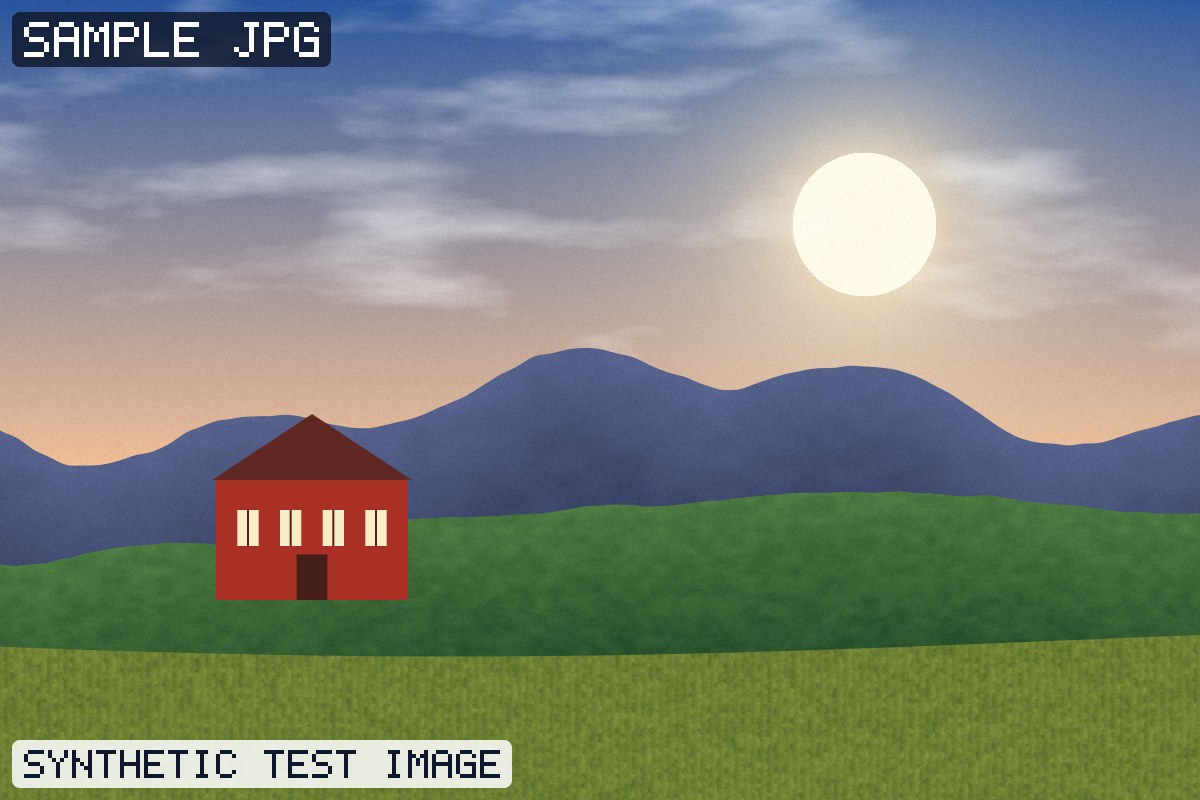
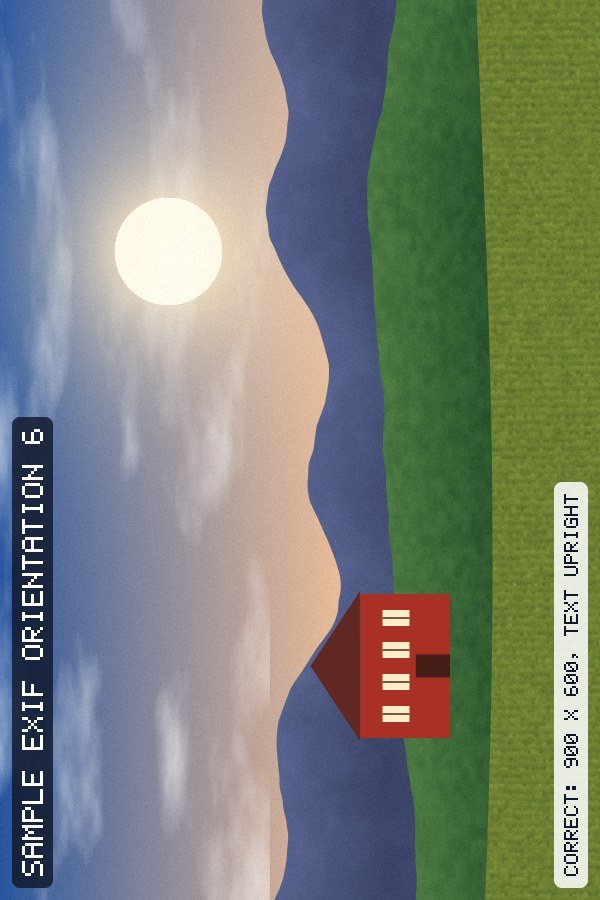
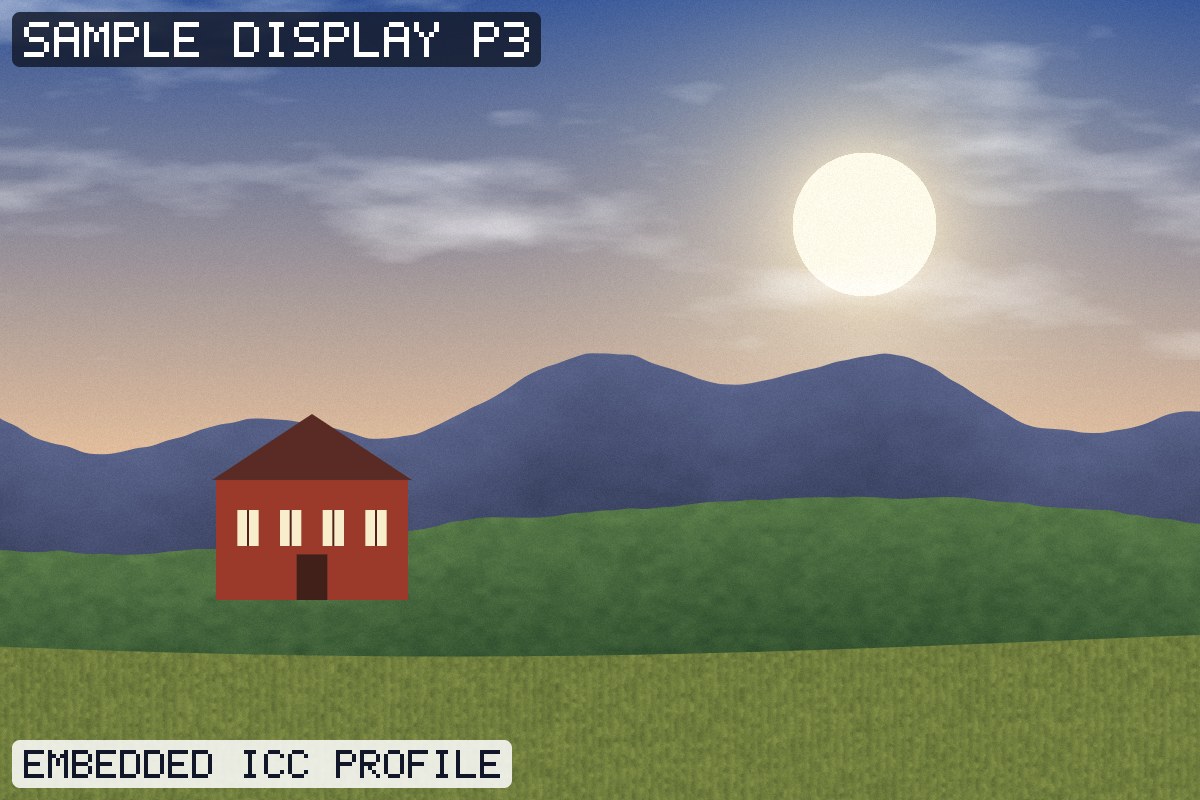
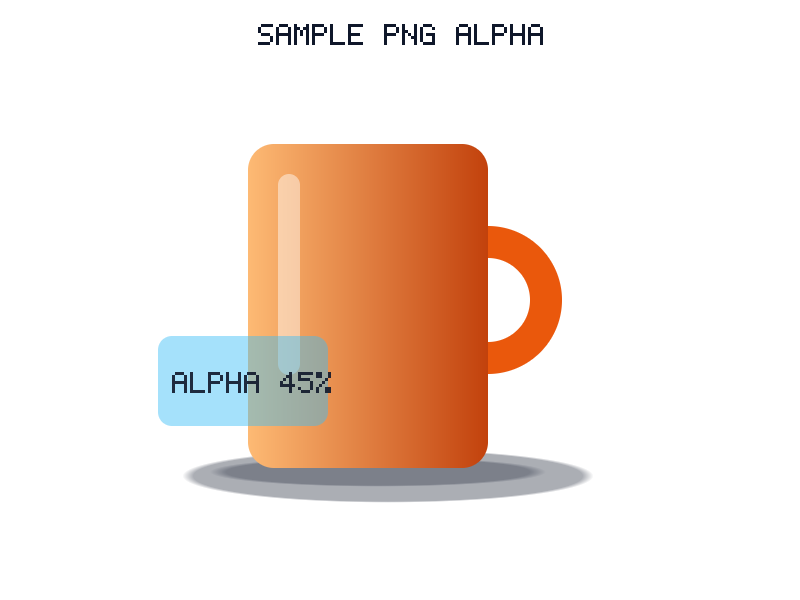
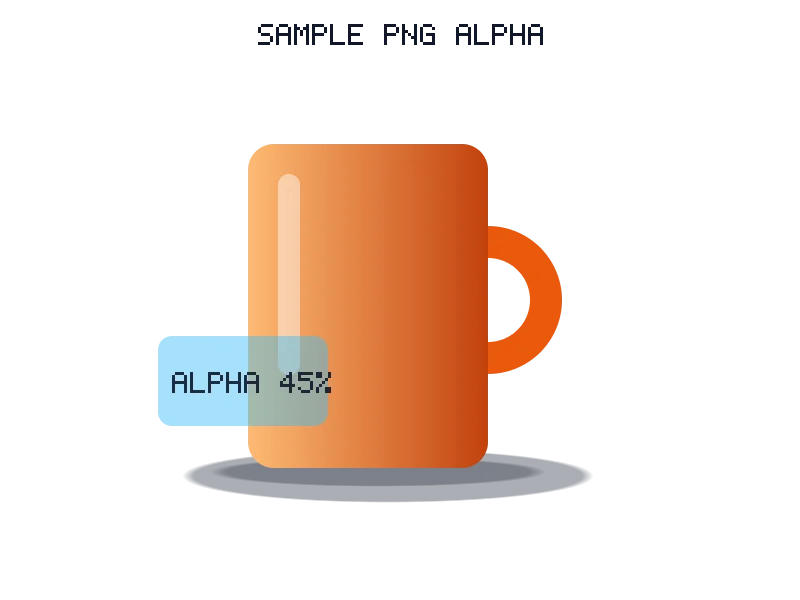
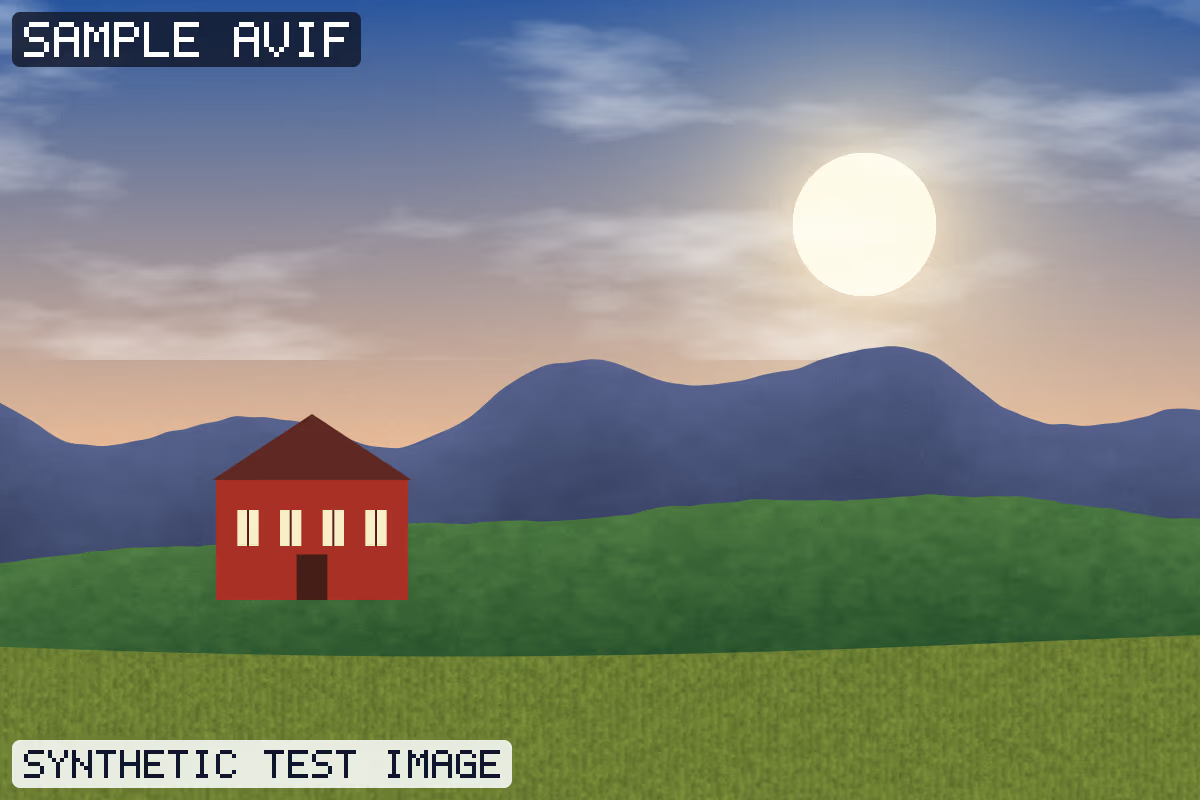


“Hidden in file picker” means the tool opens the file when you drag it in, but its file chooser does not list that type. The filters, color and watermark tools list PNG, JPEG, WebP, GIF, BMP and AVIF. Firefox could not be run in our test setup, so it has no column; see “How we tested”.
Files each tool saves
The converter offers a format only when it can write a real file of that type in your browser, and checks the file signature after saving. We converted the transparent PNG sample to every offered format and checked the bytes.
| Output | Chrome | WebKit | What ImageWand writes |
|---|---|---|---|
| JPG | Saved, 22 kB | Saved, 32 kB | Baseline JPEG from the browser encoder with an adjustable quality setting. Transparent areas are filled with the background color you choose. |
| PNG | Saved, 30 kB | Saved, 26 kB | Lossless 8-bit RGBA PNG from the browser encoder. Transparency is preserved. |
| WebP | Saved, 13 kB | Not offered | Lossy WebP with transparency from the browser encoder and an adjustable quality setting. Chrome, Edge and Firefox encode WebP. Safari has not offered WebP encoding to web pages, so ImageWand checks your browser first and stops with an error rather than saving a mislabeled file. |
| AVIF | Not offered | Saved, 10 kB | Only offered when your browser’s canvas encoder can write AVIF. Encoding support differs by browser: when tested in November 2026, Chrome 158 returned PNG data for an AVIF request while Playwright’s WebKit build wrote real AVIF. ImageWand checks your browser before converting and does not save a mislabeled file. |
| GIF | Saved, 37 kB | Saved, 37 kB | Static GIF89a written by ImageWand’s own encoder: colors are reduced to a 256-color palette with dithering, and pixels under 50% opacity become fully transparent. |
| BMP | Saved, 1.9 MB | Saved, 1.9 MB | Uncompressed Windows bitmap written by ImageWand: 24-bit for opaque images, 32-bit BGRA (BITMAPV5 header) when the image has transparency. Files are large by design. |
| TIFF | Saved, 16 kB | Saved, 29 kB | Single-page 8-bit RGB or RGBA baseline TIFF written by ImageWand with lossless Deflate compression. It is not CMYK and carries no ICC profile. |
| HEIC | Not offered | Not offered | Not available. No mainstream browser exposes a HEIC encoder, and ImageWand does not ship one. |
| ICO | Saved, 14 kB | Saved, 15 kB | Multi-size Windows icon written by ImageWand containing 16, 32, 48 and 256 px PNG-compressed images (Windows Vista and later, and every current browser, read this form). Non-square images are centered on a transparent square. |
| SVG | Not offered | Not offered | Not available. Turning pixels into vector paths (vectorization or tracing) is a separate feature ImageWand does not offer, and wrapping a bitmap in an SVG file would not make it a vector. |
Other tools
WebP output depends on your browser’s encoder: Safari has not offered one to web pages.
- Compress: JPG, WebP or PNG.
- Resize, crop and photo sizes: JPEG, PNG or WebP. Print presets write PPI into JPEG and PNG.
- Filters, color and watermark: Same as original, PNG, JPEG or WebP.
- Flip and rotate: Same as original, JPG, PNG or WebP.
Animation, transparency, colour profiles and rotation
- Animation: first frame only
- The animated GIF and WebP samples have three numbered frames. Every tool opened them, and the converter’s PNG output contained frame 1 in both browsers (we checked the pixel colour of frame 1’s orange disc). ImageWand does not write animated files.
- Transparency
- PNG, WebP, TIFF, BMP and ICO outputs keep it; GIF keeps only fully transparent pixels. JPG has no transparency, so the converter fills transparent areas with a colour you choose, white by default. See tested white, black and custom fills.
- Colour profiles (ICC)
- Outputs carry no colour profile and are sRGB. The Display P3 sample was converted to sRGB by the browser before saving: its PNG output differed from a colour-managed sRGB conversion by 0.02 levels on average (0–255 scale), against 3.05 if the profile had been ignored.
- EXIF rotation
- The orientation-6 sample is stored sideways. The converter and the resize tool both read it upright at 900 × 600 px in both browsers, and the converter’s saved file is upright without needing the tag. Camera details and GPS location are not copied to outputs.
- HEIC and TIFF
- In Chrome the converter decoded both with its bundled decoders (libheif for HEIC, downloaded only when you open a HEIC file, and UTIF for TIFF). The other tools could not open them in Chrome. In WebKit every tool opened both, because the engine decodes them itself. Multi-page TIFFs use the largest page; HEIC depth maps and Live Photo video are not carried over.
Size and memory limits
The browser tools upload nothing, so they have no upload size limit; their limits come from how much your browser can hold in one drawing canvas. The AI tools are the exception: they send the file to a server and accept up to 4 MB.
| Where | Limit | What happens |
|---|---|---|
| Convert and compress on iPhone and iPad | 16.8 megapixels (4096 × 4096) | Error before processing. With an iPhone user agent in WebKit, the 20.8 MP sample showed: “This image is 5200 × 4000 px (20.8 megapixels). iPhone and iPad browsers cannot process more than 16.7 megapixels in one canvas. Resize it first or use a computer.” |
| Convert and compress on computers and Android | 100 megapixels | Error before processing. The 20.8 MP sample converted normally in Chrome and WebKit on a Mac. |
| AI tools (background remover, enhance, upscale) | JPG, PNG or WebP, up to 4 MB and 8192 pixels per side (40 megapixels in total). | Checked in your browser before anything is sent: a larger file is not uploaded and no credit is used. Compress it first. |
| Filters, color and watermark | 16.7 megapixels | Larger images are scaled down to fit before editing, so the output has fewer pixels than the original. |
| Resize, crop and photo sizes | Output over 16.7 MP | A warning that some phones, especially iPhones, may fail to export; use a computer or a lower print resolution. |
Memory: a decoded image uses about 4 bytes per pixel, so a 20 MP photo needs roughly 80 MB while it is edited, and more for the preview and the saved copy. If a phone tab reloads or saving fails, close other tabs or resize the image on a computer first.
Upload troubleshooting
If an image will not open, work through these in order. The exact messages are listed on the help page.
- Check the real format. A file named .jpg may be HEIC or WebP inside. The converter identifies files by their first bytes, not their name, so try it there first.
- HEIC or TIFF outside Safari? Open it in the HEIC to JPG or image converter first, then use the JPG or PNG in any other tool.
- Very large photo on a phone? Over 16.7 megapixels will not open in the converter on iPhone or iPad. Use a computer, or export a smaller copy first.
- Part of the image missing? The file is probably damaged: in our test a cut-off JPEG opened without an error but with a blank lower part. Download or export it again.
- Animated file looks still? Only the first frame is used. This is expected.
- RAW, PSD, PDF or another document? These are not supported. Export JPG or PNG from the app that made the file.
- Still stuck? Email us with the tool page, your browser and device, and the file type. Contact details.
Part of the image is grey, black or transparent
Download or export the original again and check that the whole image shows in your photo viewer before you upload it.
My GIF or WebP stopped moving
Use dedicated animation software if you need to keep the animation.
9 error messages are explained on the help page.
Sample files
Use these to check a tool or your browser yourself. Each is original synthetic artwork drawn by a script for ImageWand (no real photos) and is labelled “SAMPLE” in the image.
- JPGimagewand-sample-photo.jpg · 146 kB
- JPG with EXIF rotationimagewand-sample-exif-orientation-6.jpg · 96 kB
- JPG with Display P3 profileimagewand-sample-display-p3.jpg · 147 kB
- PNG with transparencyimagewand-sample-transparent.png · 12 kB
- WebP with transparencyimagewand-sample-transparent.webp · 9 kB
- Animated GIFimagewand-sample-animated.gif · 7 kB
- Animated WebPimagewand-sample-animated.webp · 9 kB
- AVIFimagewand-sample.avif · 19 kB
- BMPimagewand-sample.bmp · 922 kB
- TIFFimagewand-sample.tiff · 649 kB
- HEICimagewand-sample.heic · 164 kB
- ICOimagewand-sample.ico · 1 kB
- SVGimagewand-sample-logo.svg · 1 kB
- Large JPG, 20.8 MPimagewand-sample-20mp.jpg · 1.4 MB
- Damaged JPGimagewand-sample-truncated.jpg · 58 kB
Made with scripts/benchmark/make-samples.mjs (sharp, plus macOS sips for HEIC).
How we tested
- Date: , on a Mac (darwin arm64).
- Chrome: Google Chrome (stable channel) 158.0.8127.36.
- WebKit (Safari engine): Playwright WebKit build (macOS) 27.2.
- Each sample was chosen in the real tool pages through the file input, and we recorded whether the image opened or which error appeared. Converter outputs were downloaded and inspected byte by byte (format, dimensions, transparency, frame and colour).
- The WebKit column uses Playwright’s WebKit build, the engine behind Safari, not the Safari app itself. The iPhone limit was checked with an iPhone user agent and screen size in that engine, not on a physical device.
- Firefox was not tested: the automated Firefox build would not start on our test machine. Firefox uses its own decoders, so treat its results as unverified until a later test.
- Edge uses the same engine as Chrome but was not tested separately.