
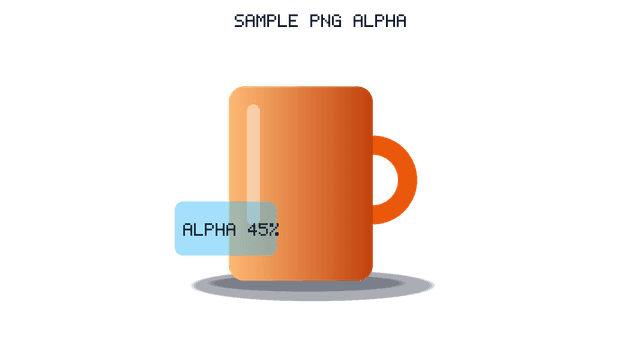
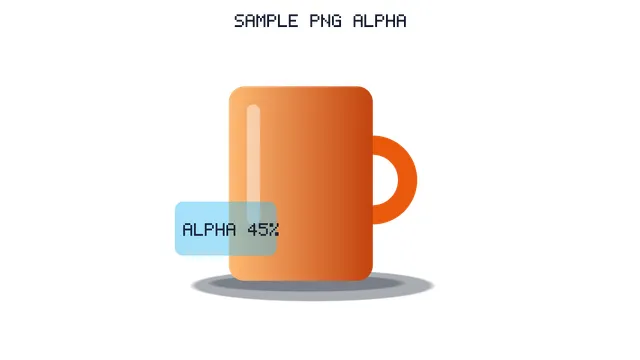
A PNG can have transparent and partly transparent pixels. A JPG cannot: every pixel must be a solid colour. So when you save a transparent PNG as JPG, something has to fill the transparent areas. That step is called flattening, and the colour used decides how your image looks.
The test image
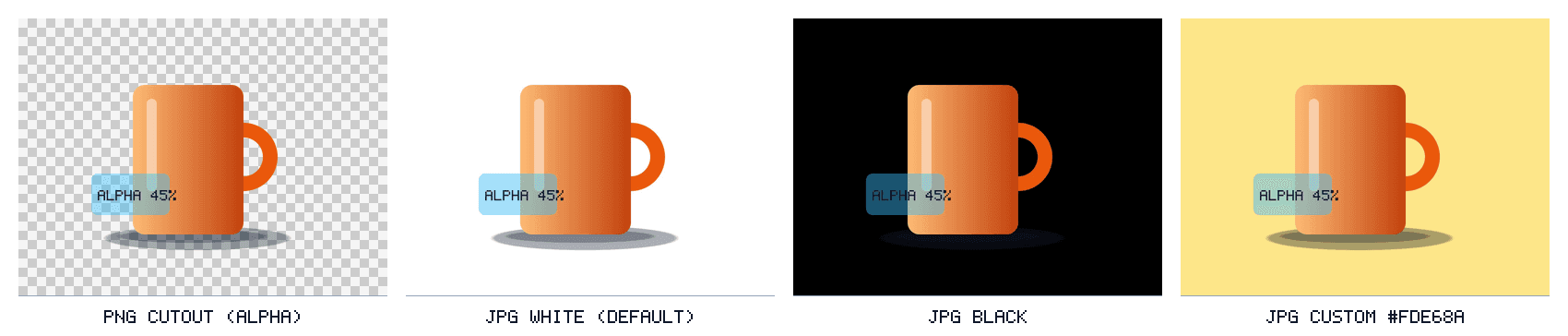
We drew an original product-style cutout for this test: an orange mug with a soft drop shadow and a blue tag at 45% opacity, on a fully transparent background (no real product photo). The shadow and the tag are partly transparent, which is where flattening shows.
We converted it with ImageWand’s PNG to JPG converter in Google Chrome 158 on 24 November 2026: once with the default white background, once with black and once with a custom yellow (#fde68a), then once more to PNG.
| Export | Tool setting | Bytes | Transparent areas become | Blue tag (45% opacity) becomes |
|---|---|---|---|---|
| Source PNG | — | 16,240 | transparent | rgb(56, 189, 248) at 45% |
| JPG, white | Default | 26,826 | rgb(255, 255, 255) | rgb(165, 224, 252) |
| JPG, black | Background #000000 | 24,813 | rgb(0, 0, 0) | rgb(25, 85, 113) |
| JPG, custom | Background #fde68a | 25,579 | rgb(253, 230, 137) | rgb(164, 211, 187) |
| PNG | PNG output | 41,411 | still transparent | still 45% transparent |
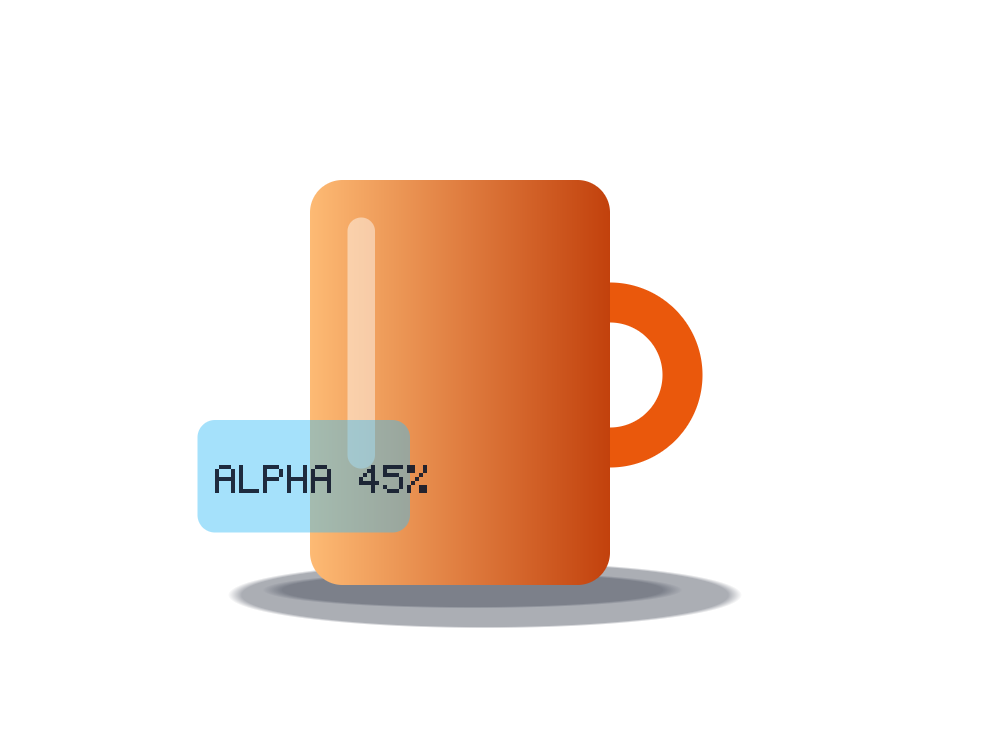
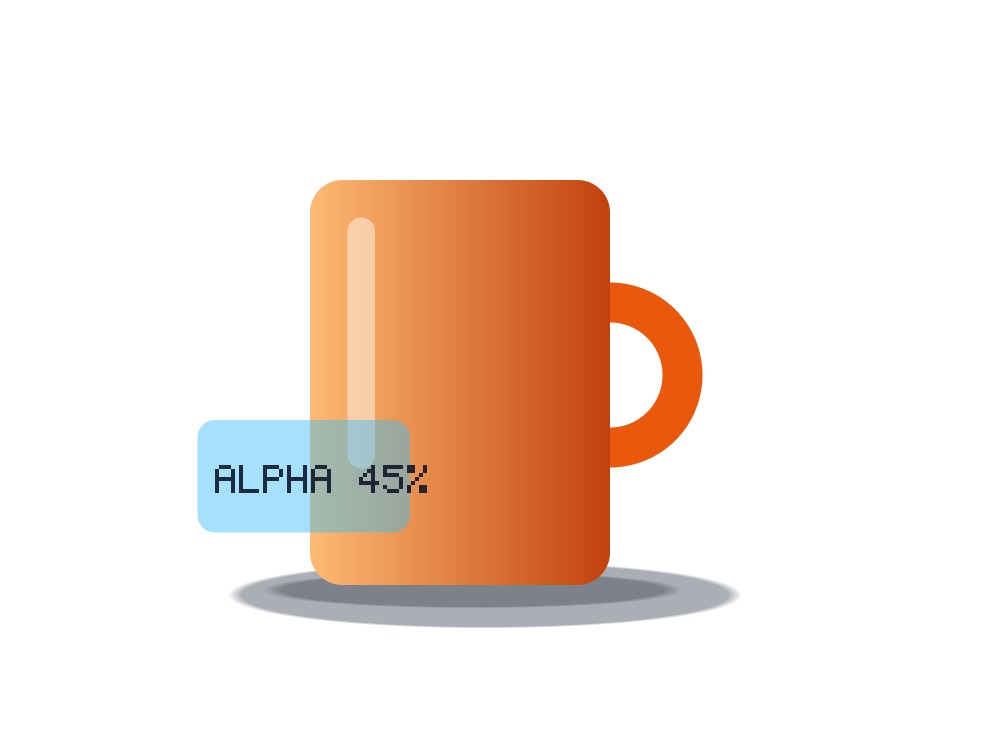
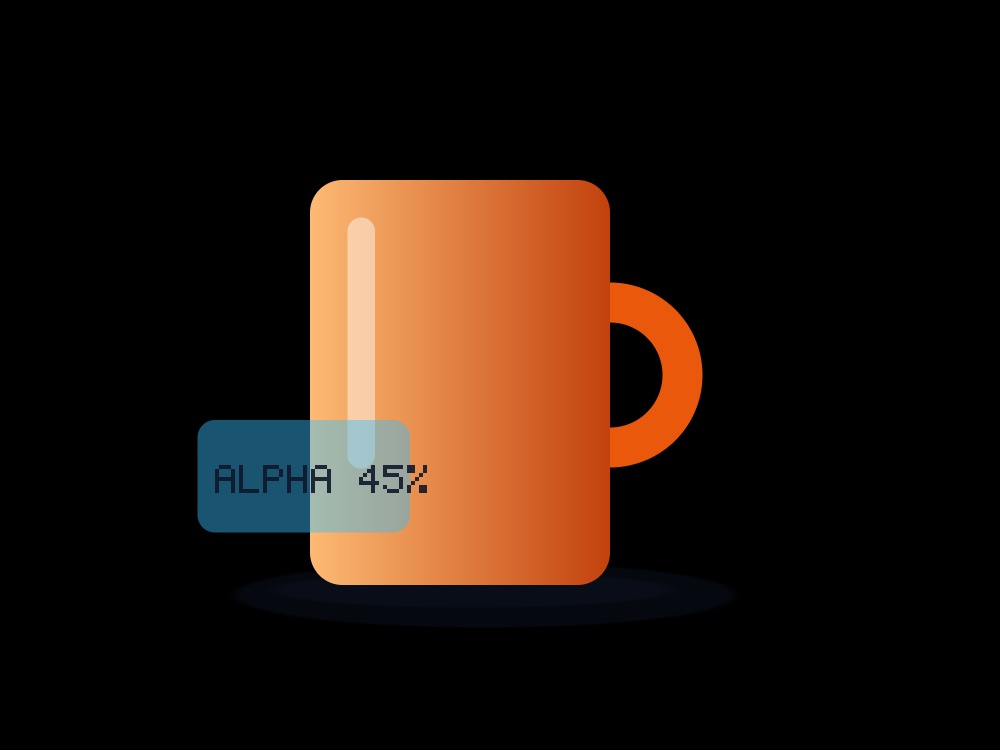
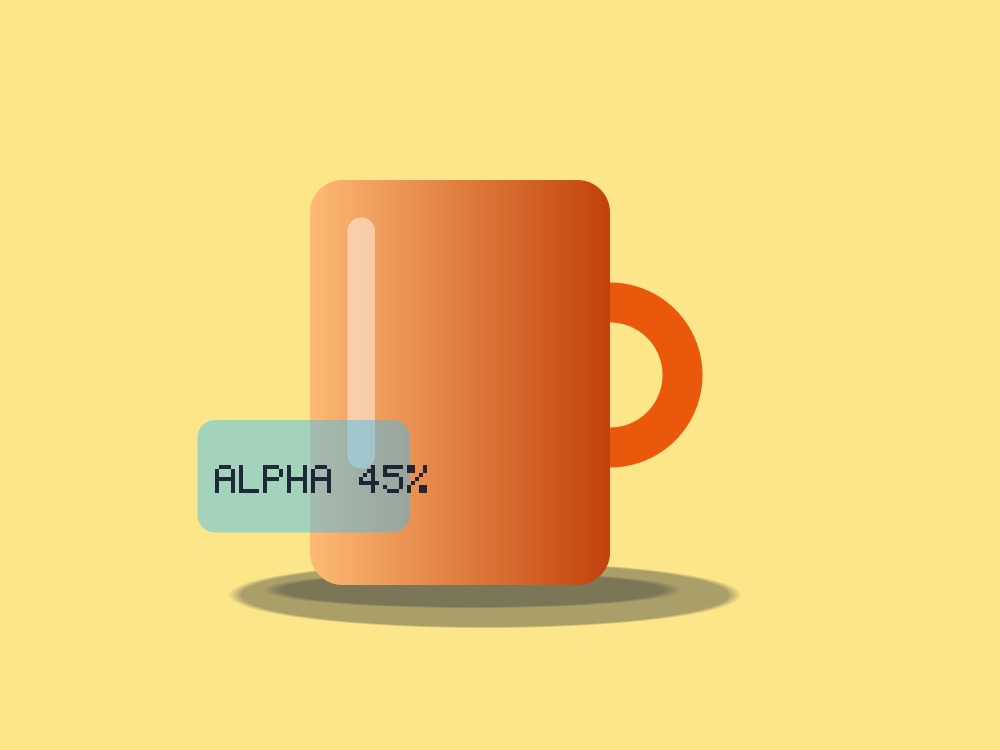
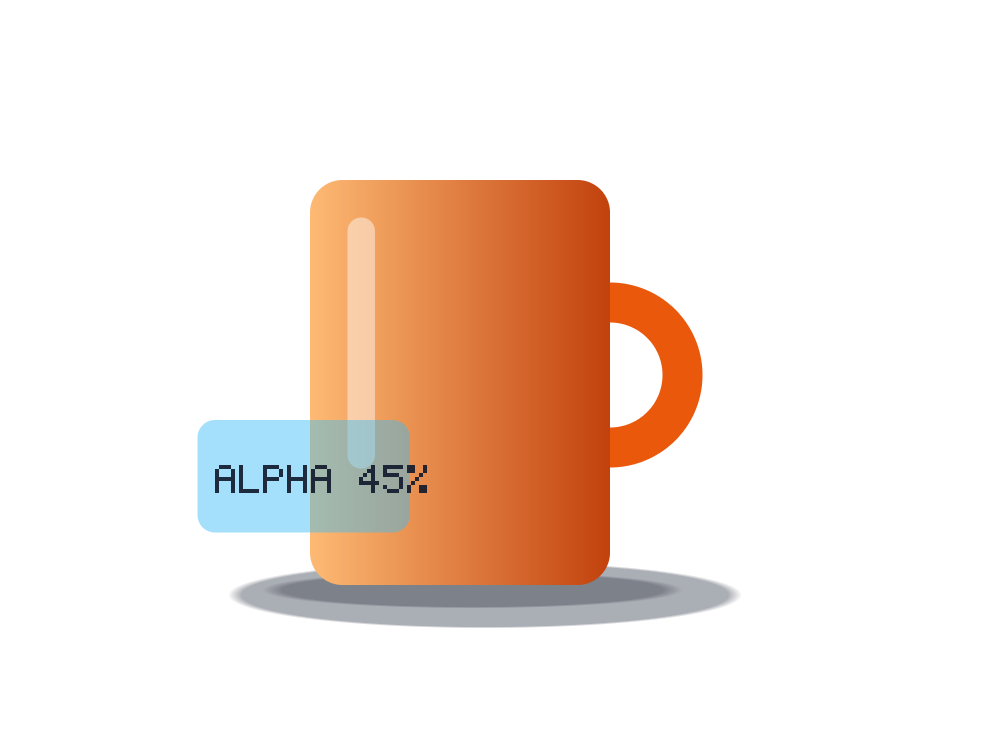
All five files are 1000 × 750 px. Colours were measured from the downloaded files, averaged over a 6 × 6 px patch.
How flattening works
Each partly transparent pixel is blended with the background in proportion to its opacity (simple alpha compositing):
result = opacity × pixel colour + (1 − opacity) × background colour
For the tag, opacity is 115 out of 255 (0.451). On white, the red channel is 0.451 × 56 + 0.549 × 255 = 165, which is exactly what the JPG contains. On black it is 0.451 × 56 = 25. The arithmetic matches every measured value above to within one or two levels of JPEG rounding.
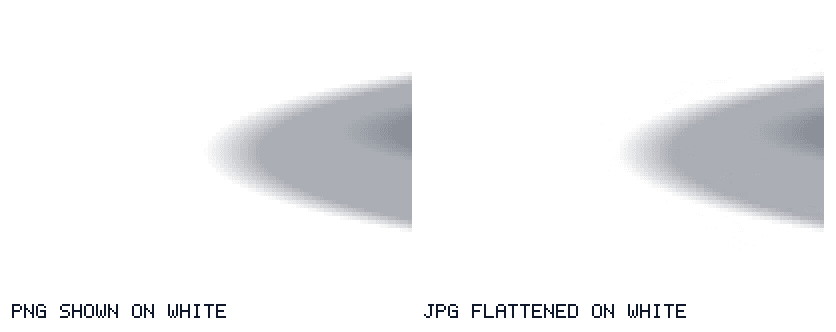
That is why the shadow looks right on white but turns into a solid grey smudge if you later put the white JPG on a coloured page: the white is now part of the pixels.
Why some apps give you black
Browsers save images through a drawing canvas. The HTML standard says that when a canvas is saved to a format without transparency, such as JPEG, it is composited onto opaque black unless the app draws a background first. To confirm it, we saved the same cutout from a plain canvas with no background, outside any ImageWand tool: the corner pixels came out rgb(0, 0, 0), and the file was byte-for-byte identical to the converter’s black-background export.
ImageWand’s converter paints the background you choose (white by default) before encoding, so you do not get black by accident.
Transparent or white: which does a product image need?
| Use | Keep transparent (PNG or WebP) | Flatten on white (JPG) |
|---|---|---|
| Listing photo where the marketplace asks for a white background | Yes. Check the marketplace’s current image rules first | |
| Product placed on different page or banner colours | Yes | |
| Ad or collage you will compose later | Yes, as the master | Export when finished |
| Email or document that may not handle transparency | Yes | |
| Print order from a photo lab | Usually. Ask the lab |
Our marketplace guides list what we could verify for Amazon and eBay, with links to the official pages. Rules change, so confirm on the marketplace before you upload.
A workflow that works
- Start with a transparent cutout. If your photo still has its original background, the background remover can cut it out. It is an AI tool: it needs an account and 1 credit per successful result, and the image is processed on a server. Check the edges at 100% zoom; hair, glass and soft shadows are the hard parts.
- Keep the PNG as your master. Save the transparent file before you flatten anything.
- Flatten for the destination. Use the white background tool for a white product image, or the PNG to JPG converter, which runs in your browser, to pick any colour.
- Need transparency on the web? Convert to WebP instead with PNG to WebP. It keeps transparency, and in our compression benchmark it made smaller files than PNG for a transparent graphic.
Every file in the table can be downloaded from the links above. The test was run with tests/content/article-assets.mjs in the ImageWand repository.