Choose a transparent PNG or WebP
or drag and drop a file here
morphed.app · Paid AI tools
A white background here. A campaign scene in Morphed.
Prepare your product images in ImageWand.Prepare your product images in ImageWand. Explore studio settings, lifestyle scenes and product-ad ideas in Morphed when you are ready to build the creative.
Paid AI tools. Separate account and upload in Morphed.

A softer product campaign
Skincare, linen and flowers in soft daylight.
AI-created concept image. Results vary.
See an example
From transparent to a solid background
A sample cut-out placed on white. Soft edges blend into the background colour.
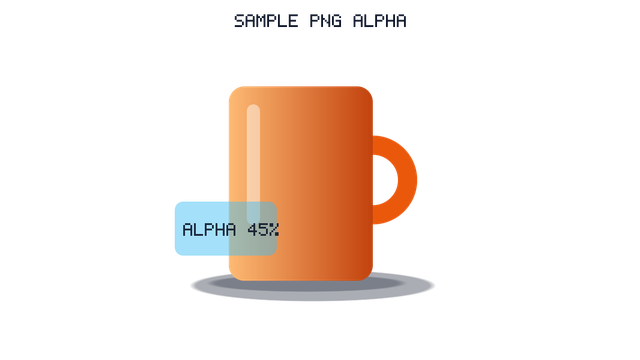
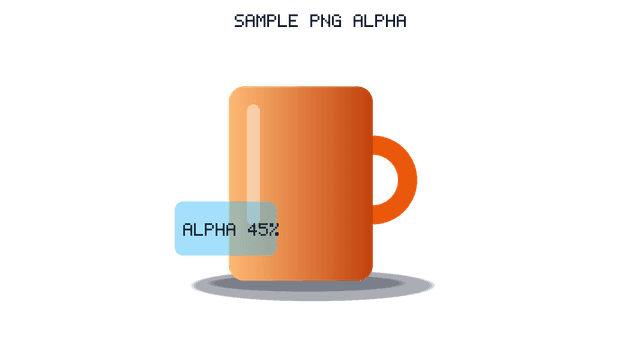
Transparent input
Checkerboard indicates transparency
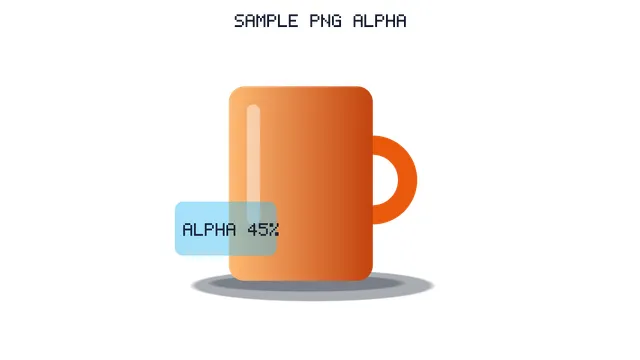
On white
Opaque output
This is a prepared transparent sample, not a new AI background-removal result.
Add a background in four steps
- Choose a transparent image. Select a PNG or WebP cut-out with a transparent background, or try the sample.
- Pick the background color. White is selected. Choose another swatch, use the color picker or type a hex code.
- Check the edges. Compare the enlarged edge close-up before and after, and toggle Show transparency to see what will be filled.
- Download. Choose JPG, PNG or WebP and select Download. The saved file is decoded again and compared with the expected colors.
A transparent cut-out is not a white-background image
A background remover gives you a PNG with transparent pixels around the subject. Some marketplaces and listing sites ask for a solid background, and JPG cannot store transparency at all, so any conversion to JPG has to pick a fill color. This tool fills those pixels with the color you choose and saves a fully opaque file.
- Fully transparent pixels
- Replaced with exactly the chosen color.
- Semi-transparent edges
- Blended with the chosen color in proportion to their opacity (standard “source-over” compositing).
- Opaque pixels
- Left unchanged. In a PNG export they are identical to your original; JPG and WebP add their usual compression.
- Output
- JPG, PNG or WebP with no transparency, in sRGB, without the original metadata.
Getting a cut-out first
If your photo still has its original background, this tool cannot help yet. The AI background remover is a paid tool: it needs an account, uses 1 credit per successful image and processes the image on a server. Free alternatives are to photograph the item on plain white paper or in a light tent and then crop it, or to cut it out in an image editor that saves transparent PNGs.
Selling online? The e-commerce and Etsy guides cover product-photo sizes; check each marketplace’s current image rules, because they change.
Limits
- Solid colors only; no gradients, shadows or scenes.
- It does not clean up fringes left by a rough cut-out. The edge close-up shows them so you can decide whether to redo the cut-out.
- Not for passport, visa or ID photos. Issuers reject edited photos; see the passport photo rules.
- One image at a time, up to about 50 megapixels.
Read the passport photo rules before preparing any document photo.
Related tools
Frequently asked questions
Can this remove the background from a normal photo?
No. It fills transparent pixels only. A photo with a real background has no transparent pixels, and the tool tells you so. To cut out the subject, use the AI background remover (needs an account and 1 credit per successful image, processed on a server), or cut it out in an image editor, then bring the transparent PNG here.
What happens to soft, semi-transparent edges?
Each edge pixel is blended with the background color according to its opacity: a pixel that is 50% opaque ends up halfway between its own color and the background. This is standard alpha compositing, so hair and anti-aliased edges stay smooth instead of turning jagged.
Why does my JPG look slightly different from the preview?
JPG and WebP are lossy formats saved at quality 95, so some colors can shift by a few levels out of 255. The page reports the largest difference it measured in the saved file. Choose PNG if you need exact colors.
Can I use this for a passport or ID photo?
No. Passport and ID issuers including the US, UK and Canada reject digitally altered photos, and changing the background counts as an alteration. Retake the photo against a plain light wall instead.
Are my images uploaded?
No. The image is filled and saved by your browser. It is not sent to ImageWand servers.