Resize for Instagram Profile Photo
Upload a photo and the resizer starts at 320 × 320 px. Choose how to handle a different shape, check the preview, then download a file that has been checked for its exact size.
- Output
- 320 × 320 px
- Ratio
- 1:1
- Size source
- ImageWand suggestion
Resize to 320 × 320
Starts at the Instagram profile size. Switch to Custom size if you need something else. The dashed circle shows what Instagram keeps when it rounds your photo. The download is a square file, which is what Instagram expects.
Choose a photo to start
On a phone this opens your photo library or camera. On a computer you can also drop a file here.
Or try a sample photo
JPG, PNG, WebP and GIF (first frame). HEIC and AVIF open only in browsers that support them. Your image is processed in this browser tab and is not uploaded.
morphed.app · Paid AI tools
Make your Instagram Profile visual stand out.
Set your Instagram Profile dimensions in ImageWand.Set your Instagram Profile dimensions in ImageWand. Explore a new visual direction in Morphed, then return with the exported image to fit this page's dimensions.
Paid AI tools. Separate account and upload in Morphed.
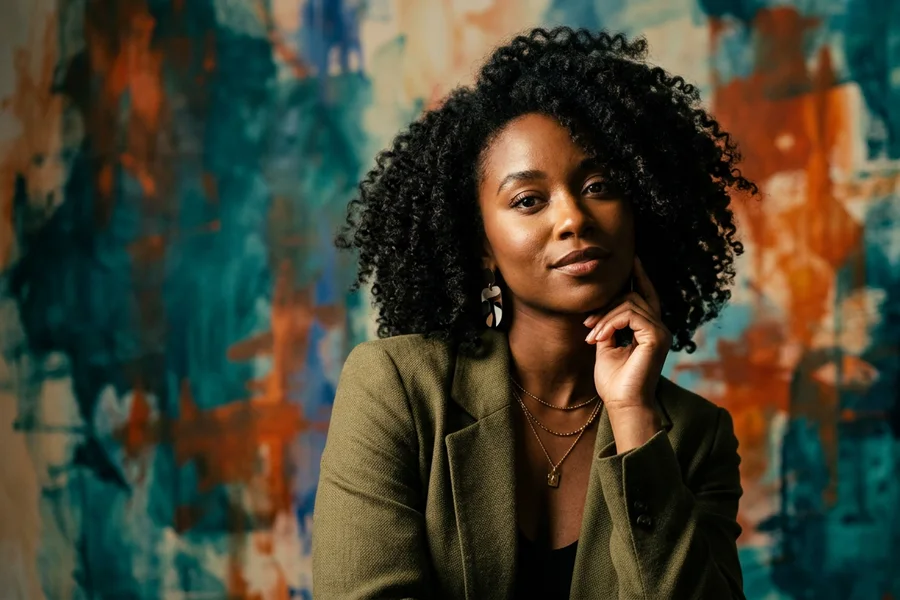
A different creative direction
An expressive portrait against a painted studio wall.
AI-created concept image. Results vary.
See an example
Picture the Instagram Profile Photo size
Compare the original image with a framing preview for this size. The tool exports the pixel dimensions you select.
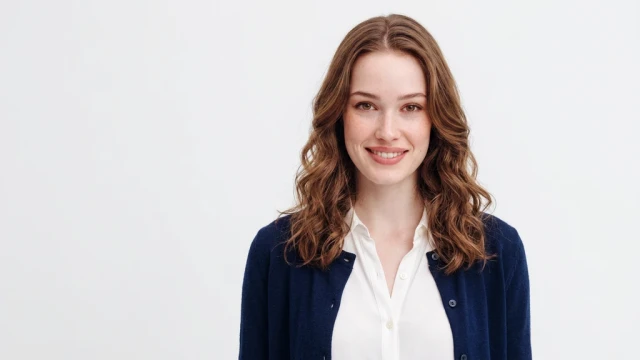
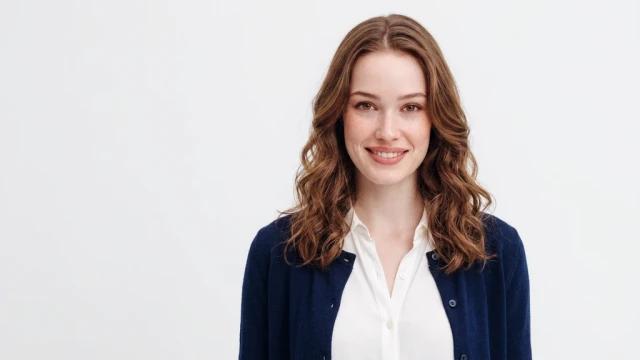
Original sample
640 x 360 px

320 x 320 framing
Shape preview, displayed at a reduced size
About the 320 × 320 size
Not verified against an official source
We could not confirm Instagram's current image size from Instagram's own help pages on 2026-11-23. 320 × 320 px is ImageWand's suggested size, not a published requirement. Check Instagram's upload screen or help centre before relying on it. Pages read without a size: Instagram Help: Change your Instagram profile picture.
Profile photos are usually shown as a circle, so the corners disappear. Keep faces and logos in the middle and use the avatar preview to check.
Square file, round display
Instagram shows profile photos as a circle but you upload a square. Anything in the corners outside the dashed circle will not be seen, so keep faces and logos in the middle.
Instagram Help does not publish a pixel size for profile photos (we checked its profile-picture article on 2026-11-23). 320 × 320 is ImageWand’s suggestion: it matches the size Meta recommends for Facebook Page profile pictures. The 1080 × 1080 option keeps more detail if Instagram shows the photo larger somewhere.
- Fill crops your photo to a square; drag the frame so your face sits inside the circle.
- Use the Avatar circle preview to see the result at a small size.
- Need a transparent round PNG for somewhere else? Use the circle crop tool instead.
What happens to a photo of a different shape
| Your photo | Mode | What happens |
|---|---|---|
| 800 × 600 | fill | Keeps a 600 × 600 area of the photo and scales it down 0.53×. |
| 800 × 600 | fit | Scales the whole photo to 320 × 240 and pads 80 px across the height. |
| 800 × 600 | stretch | Distorts the shape by 25%. |
| 600 × 800 | fill | Keeps a 600 × 600 area of the photo and scales it down 0.53×. |
| 600 × 800 | fit | Scales the whole photo to 240 × 320 and pads 80 px across the width. |
| 600 × 800 | stretch | Distorts the shape by 33%. |
Questions
What size is an Instagram profile picture?
Instagram does not publish one: its help article on changing your profile picture gives no pixel size (checked 2026-11-23). ImageWand suggests a square of 320 × 320 or larger; Instagram crops it to a circle.
Should I upload a round image?
No. Upload a square. Instagram applies the circle itself, and a round PNG with transparent corners can end up with a coloured background. Use the circle preview to check the crop.
What if my photo is a different shape?
Choose Fill to crop it to 1:1 and drag the frame to keep your subject, Fit to keep the whole photo and pad the sides, or Stretch to squeeze it (this distorts it). All three export exactly 320 × 320 px.
How do I know the download is the right size?
After export, ImageWand reads the finished file back and shows its real pixel size, format and byte size before you download it.
Is my photo uploaded anywhere?
No. Resizing happens in your browser; the image stays on your device.
Other Instagram sizes
- Instagram Post1080 × 1080
- Instagram Story1080 × 1920
- Instagram Portrait1080 × 1350
- Instagram Landscape1080 × 566
- Instagram Profile Photo320 × 320
- Instagram Reel Cover1080 × 1920
- Crop to a circleExport a round PNG with transparent corners.
- Instagram post1080 × 1080 square feed post.
- All Instagram sizesEvery Instagram preset with its source.
- Every platform sizeMore than 60 presets, grouped by platform.
- Compress the resultShrink the file after resizing if a platform has a size limit.